What is Source-Connect 4 and how does it work?
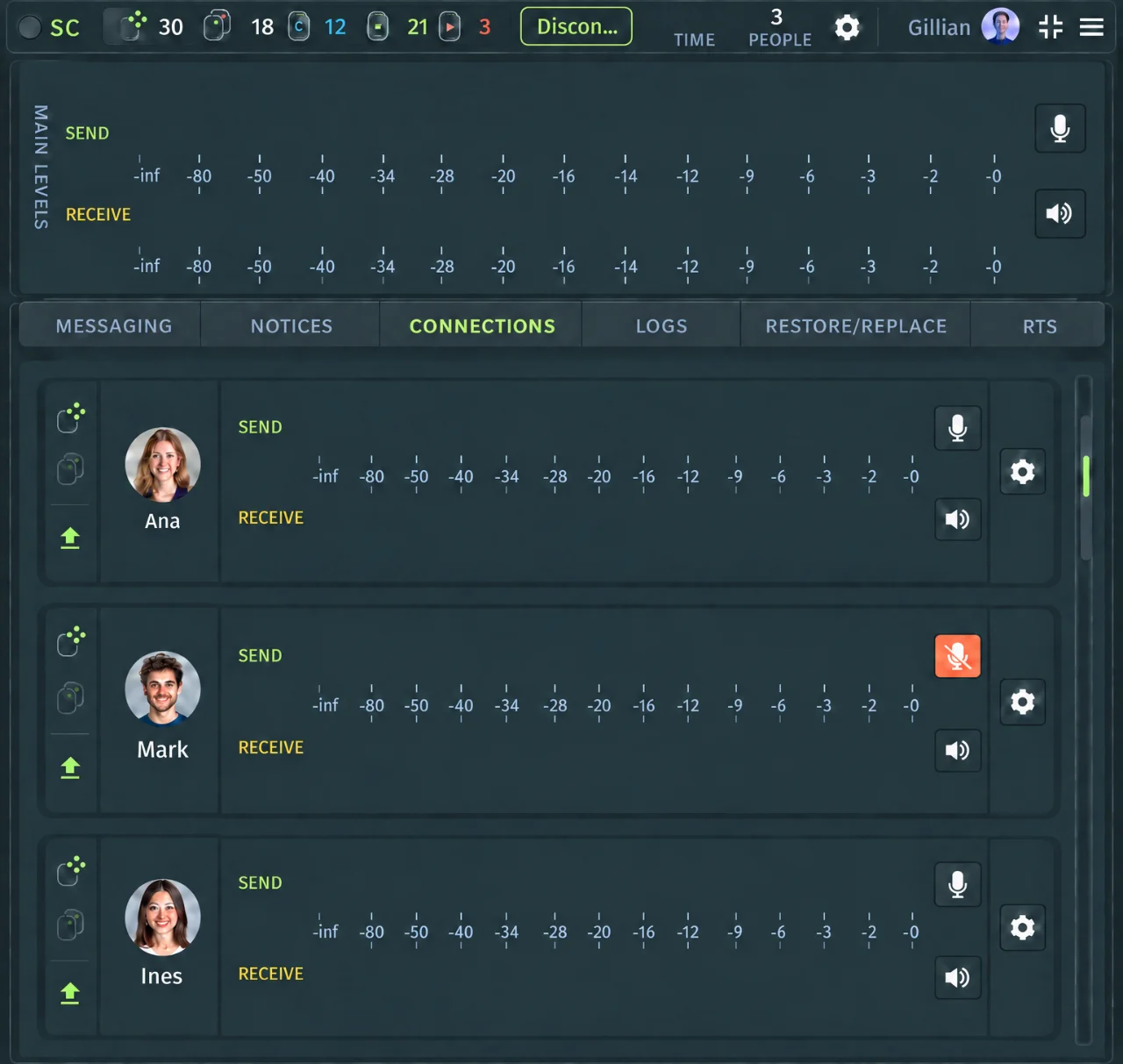
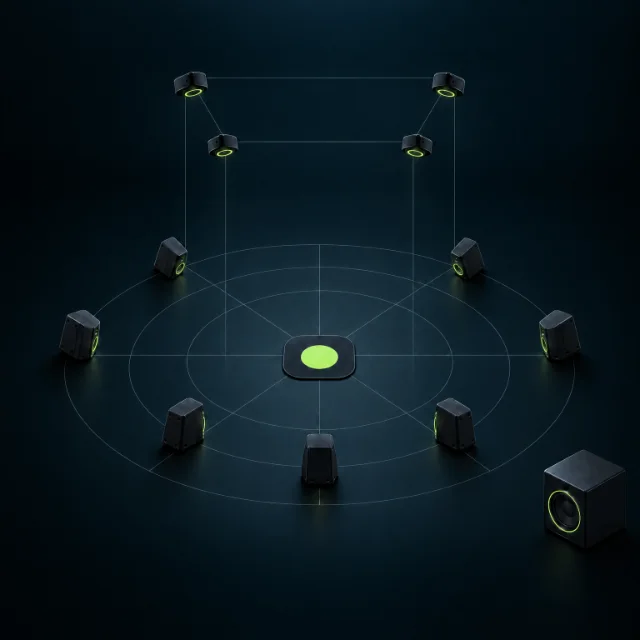
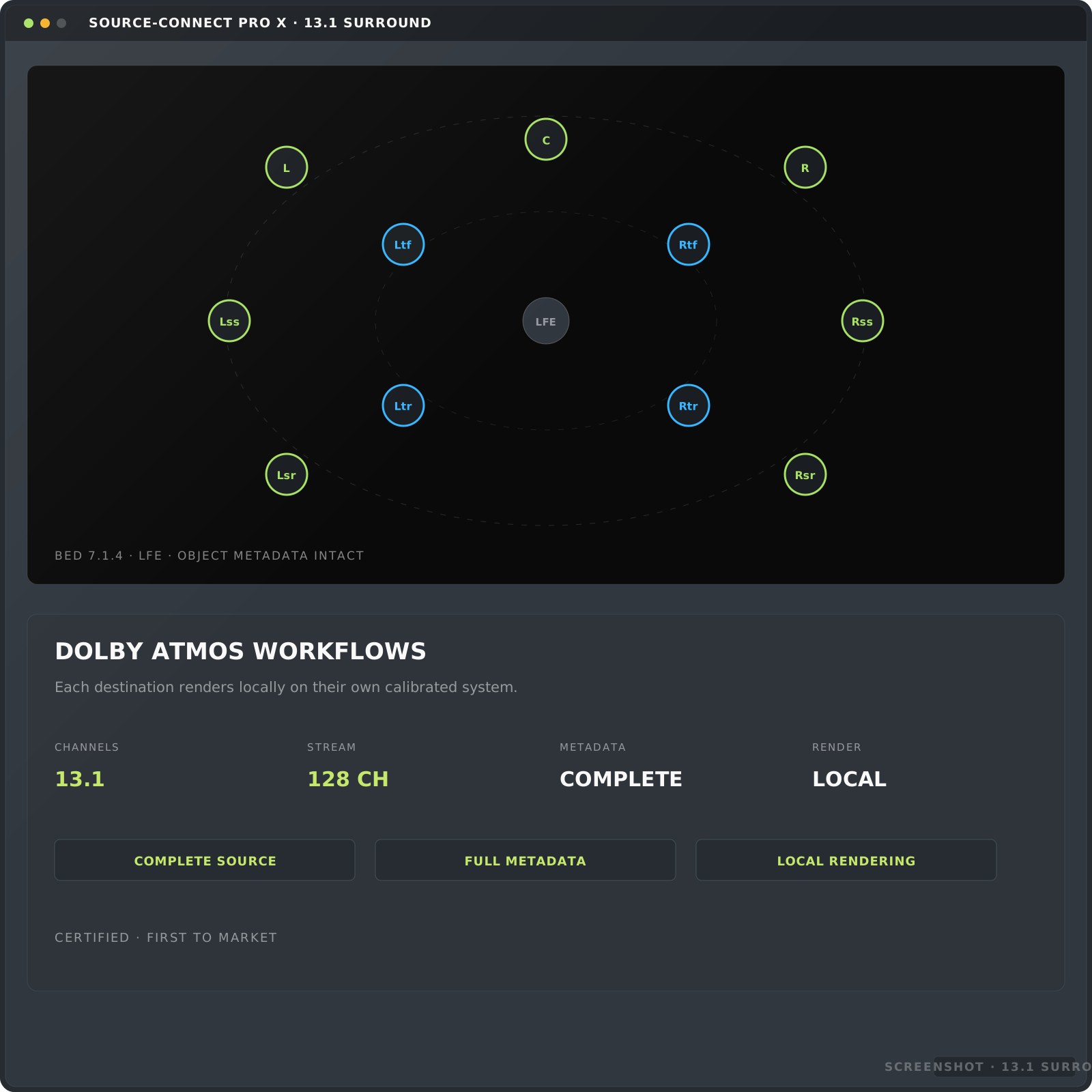
Source-Connect 4 is a professional remote audio collaboration software that enables sound engineers, voice actors, musicians, and post-production studios to stream lossless, synchronized and low-latency audio across the internet. It offers sample-accurate Remote Transport Sync (RTS), up to 128 discrete audio channels with Dolby Atmos® support, and automated file restoration to protect against network dropouts. Source-Connect 4 is available for macOS and Windows.
What is the main difference between Source-Connect and a browser-based solution?
Source-Connect 4 streams uncompressed, broadcast-ready audio up to 192 kHz. It provides sample-accurate Remote Transport Sync (RTS), up to 128 discrete channels, and automated dropout protection—ensuring professional stability and fidelity that browser-based applications cannot deliver. Usually browser tools offer convenience but they are constrained by internet browser limitations, variable sample rate conversion, and aggressive browser audio processing.
How does Auto-Restore & Replace work if my internet connection drops?
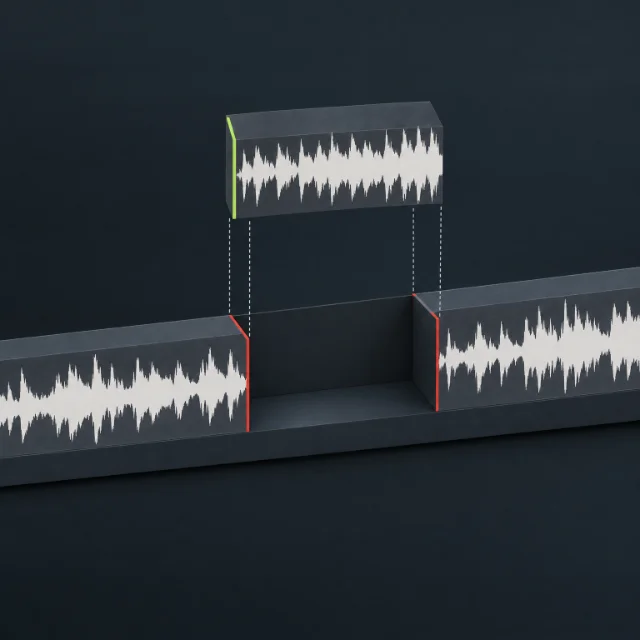
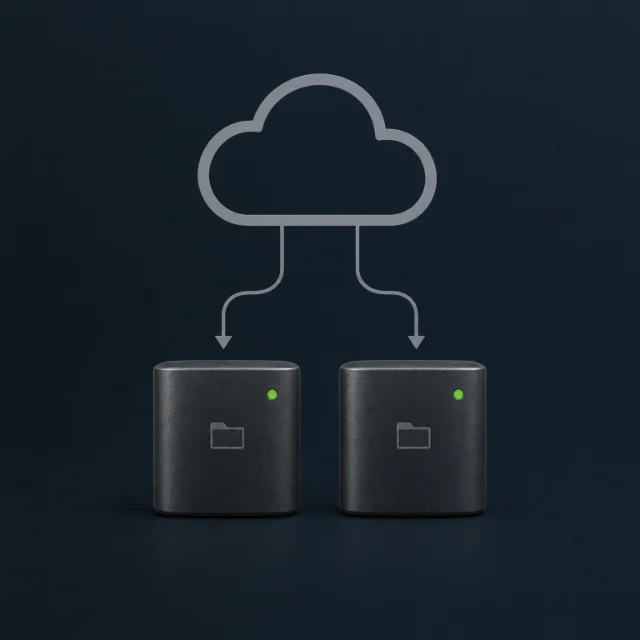
If a network interruption or frame drop occurs during a live recording session, Source-Connect 4's Auto-Restore feature automatically silently repairs the recorded file on your timeline in the background. It replaces low-resolution streaming artifacts with pristine, full-quality PCM source audio recorded at the talent's end, eliminating the need for manual file transfers or re-takes.
What is Remote Transport Sync (RTS)?
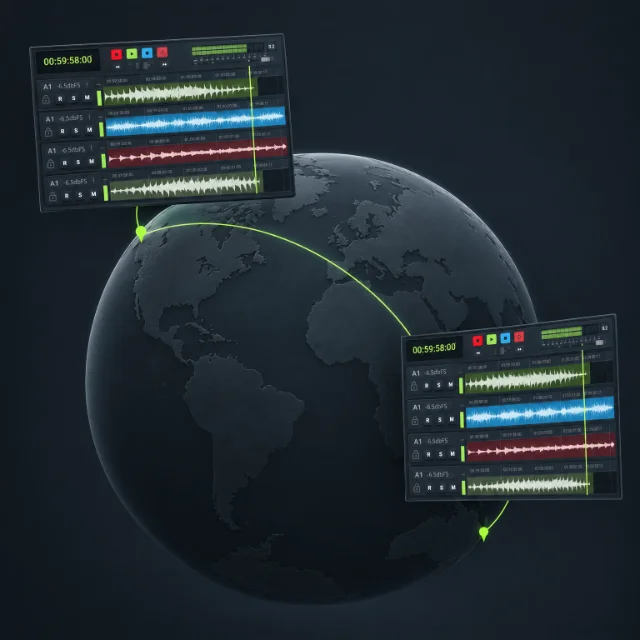
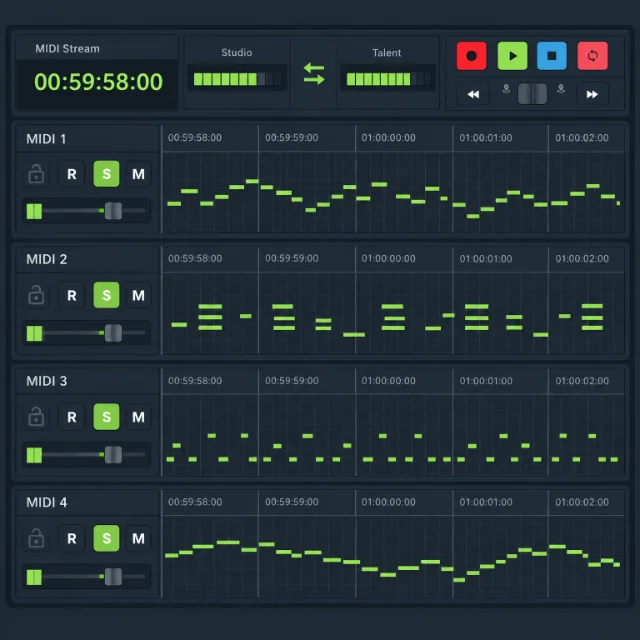
Remote Transport Sync (RTS) is Source-Connect's proprietary technology that locks DAW transport controls together across distance. When an engineer presses Record, the timeline in their DAW (such as Pro Tools, Logic, or Cubase), the remote collaborator's takes moves in exact sample-accurate synchronization.
Is Source-Connect 4 compatible with both macOS and Windows DAWs?
Yes. Source-Connect 4 is fully cross-platform and operates as an AAX, VST3, and AU plugin, as well as a standalone application on both macOS and Windows operating systems. It integrates smoothly into Pro Tools, Logic Pro, Studio One, Reaper, Nuendo, and Adobe Audition.
What are the different tiers of Source-Connect?
Talent, Studio and Facility.
Do you offer a license for Source-Connect?
Yes. Short-term and long-term licenses. See pricing.
Can I use the software on more than one workstation?
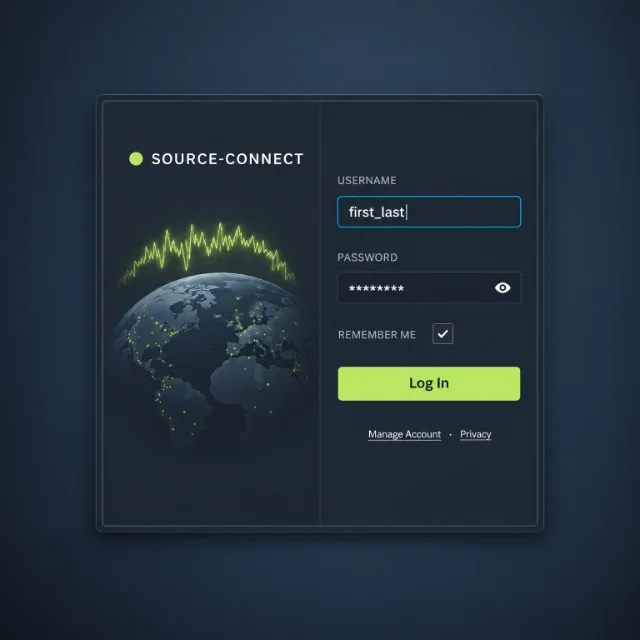
Yes. Just download it, log in and run it.
How do I upgrade from Source-Connect Version 3 to Version 4?
Existing Version 3 users can upgrade by logging into their Source Elements dashboard. Monthly subscription holders can update directly to Version 4 at no additional cost, while perpetual license owners are eligible for exclusive Loyalty Legacy discounts on upgrade packages.
Does Source-Connect 4 have a perpetual licence?
We offer a Buy-In licence, which gives you access at the lowest long-term cost of any way to buy. The licence is paid once and stays on your account; you'll need active Network Access, renewed yearly, to log in and use Source-Connect, and you can renew your access whenever you come back.