Support Center
Welcome to our Knowledge Base.
An extensive knowledge base of user guides, documentation hubs and troubleshooting for every Source Elements product.
Where to start
Three doors into the same knowledge base
I'm setting up
Every product's how-to library starts at installation and first connection — timecode by DAW, common fixes by host, and a guide for anything that only happens once. Find your exact combination and get streaming.
Browse the how-to library →Something's wrong
Look up the number on your screen, or search a few words of the message, and the Error Message Repository narrows straight to it — every code and every warning, indexed and grouped by product.
Search the Error Message Repository →I teach this
Bring the same remote-collaboration tools your students will use professionally into the classroom or the lab — campus licensing, student pricing and setup built around teaching, not just performing.
Open Education & Facilities →How-to library
84 how-tos, sorted by task
Setup and fixes for every Source Elements product, grouped by DAW and host.
Timecode
Sharing timecode with your DAW
Source-Connect shares timecode over MTC or LTC. Find your DAW, then the direction you need. Every combination is covered — four DAWs, both formats, both directions.
| MTC Source-Connect 4 | MTC Source-Connect 4 | LTC Studio & Facility | LTC Studio & Facility | |
|---|---|---|---|---|
| Pro Tools | Send | Receive | Send | Receive |
| Logic Pro | Send | Receive | Send | Receive |
| Reaper | Send | Receive | Send | Receive |
| Cubase / Nuendo | Send | Receive | Send | Receive |
Swipe the grid sideways for LTC
Building the MIDI device first? How to create a MIDI device to share timecode in Source-Connect 4
Common fixes
Four common problems
Each of these exists once per host or capture source. Pick yours.
A Source Elements plugin isn’t showing up
Pick the host you scanned in — each article covers that host’s plugin paths and rescan steps.
- Audition — How to get any of the Source Elements plugins to show up in Adobe Audition
- Ableton — How to get any of the Source Elements plugins to show up in Ableton Live
- Logic — How to get any of the Source Elements plugins to show up in Logic Pro X
- Pro Tools — How to get any of the Source Elements plugins to show up in Pro Tools
- Studio One — How to get any of the Source Elements plugins to show up in Studio One
- Cakewalk — How to get any of the Source Elements plugins to show up in Cakewalk Sonar
Source-Live Pro LL is streaming a black screen
Pick what you were trying to capture.
- Edge — How to fix the black screen when streaming Edge on Source-Live Pro LL
- Firefox — How to fix the black screen when streaming Firefox on Source-Live Pro LL
- Chrome — How to fix black screen when streaming Chrome on Source-Live Pro LL
- App window (Windows) — How to fix a black screen when streaming an app window on Windows for Source-Live Pro LL
- Window / desktop — How to fix a black screen when streaming a window or the desktop in Source-Live Pro LL
- VLC — How to fix the black screen when streaming VLC on Source-Live Pro LL
Setting up ReWire
Pick your host application.
Recording the incoming Source-Connect 4 signal
Pick the DAW you record in. Reaper is split by channel count.
- Reaper (stereo) — How to configure Reaper and Source-Connect 4 Studio/Facility (in stereo) to record incoming audio signal
- Pro Tools — How to configure Pro Tools and Source-Connect 4 Studio/Facility to record incoming audio signal
- Cubase / Nuendo — How to configure Cubase/Nuendo and Source-Connect 4 Studio/Facility to record incoming audio signal
- Logic — How to configure Logic Pro and Source-Connect 4 Studio/Facility to record incoming audio signal
- Reaper (mono) — How to configure Reaper and Source-Connect 4 Studio/Facility (in mono) to record incoming audio signal
Everything else
By product
The 46 guides that exist only once. Pick a product, or search to look across all 84.
Source-Connect 14
- How to fix delay when using Source-Connect + Logic Pro XLogic
- How to set up backup recording in Ableton Live (Source Connect & Ableton Live)Ableton
- How to configure Source-Connect Link in Cakewalk Sonar on WindowsCakewalk
- How to add an iLok user to your Source-Connect account
- How to set up the Source-Connect VST plugin in Adobe AuditionAudition
- How to set up the Digital I/O with Source-Connect Pro and and Pro ToolsPro Tools
- How to use Source-Connect and Reaper to record on Windows for StudiosReaper
- How to use Source-Connect and Reaper to record on Mac for StudiosReaper
- How to use Source-Connect and Reaper as a backup recording on Mac for Voice-Over TalentsReaper
- How to use Source-Connect and Reaper as a backup recording on Windows for Voice-Over TalentsReaper
- How to monitor the incoming Source-Connect Signal in Nuendo/CubaseCubase / Nuendo
- How to record incoming Source-Connect signal in Nuendo/CubaseCubase / Nuendo
- How to run an ADR session without RTS using Source-Connect in Nuendo/CubaseCubase / Nuendo
- How to create a MIDI device to share timecode in Source-Connect 4
Source-Nexus Suite 11
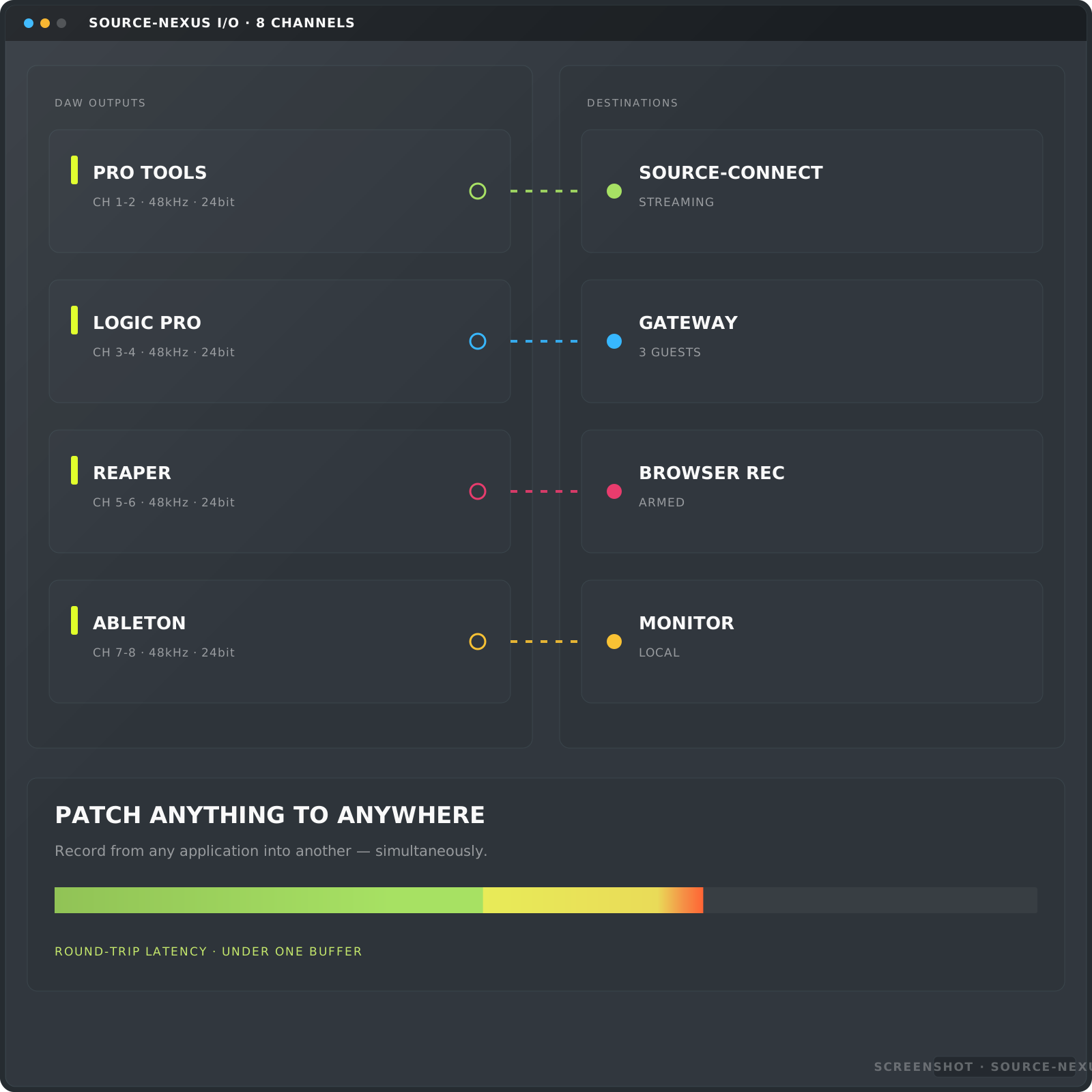
- How to Set Up Source-Nexus with Twisted Wave for Live Recording Sessions with Remote ClientsTwisted Wave
- How to use two different inputs on Logic Pro with Source-NexusLogic
- How to Send Stereo Audio into Zoom using Source-Nexus I/OZoom
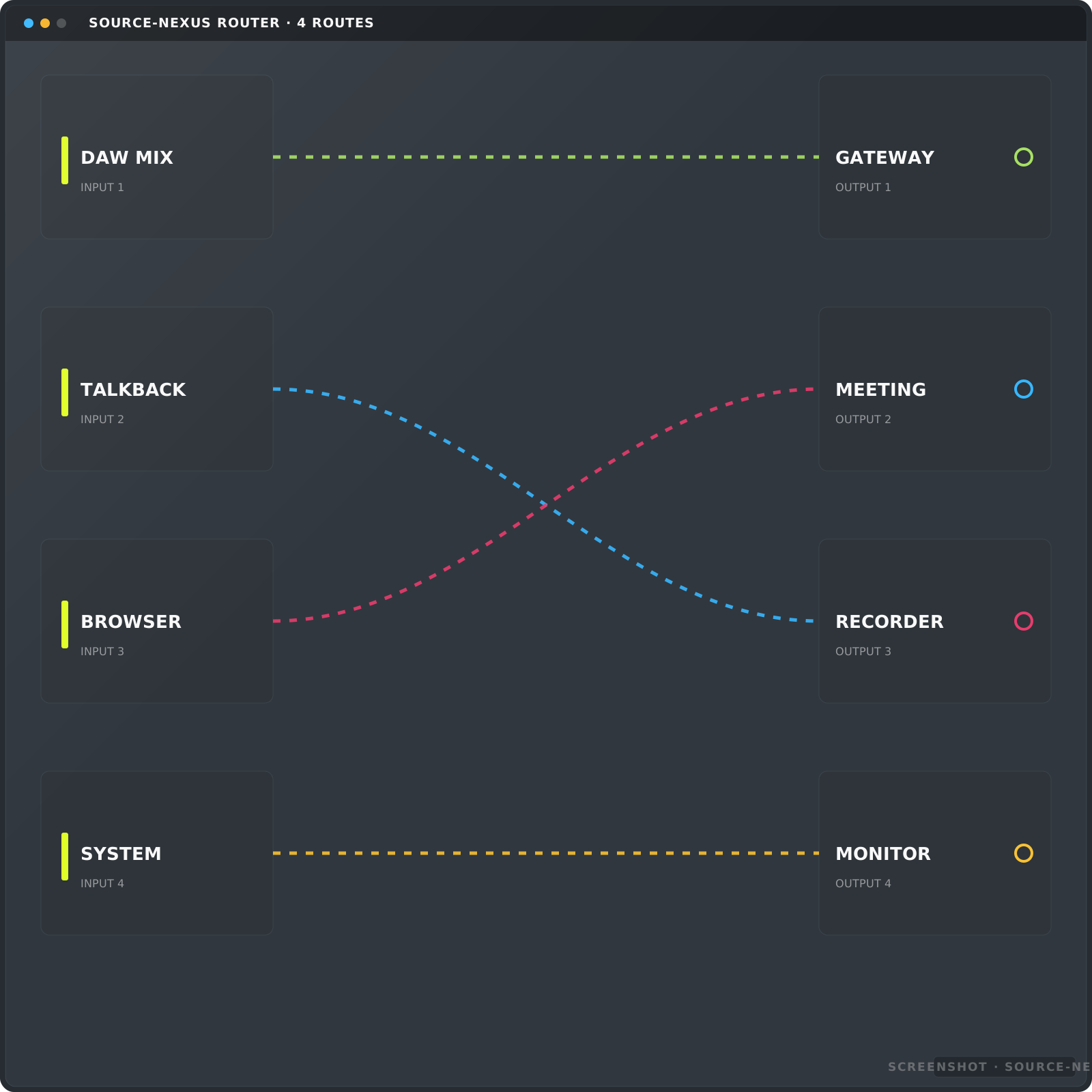
- How to troubleshoot Source-Nexus I/O plugin not receiving or sending audio
- How to save and load your Source-Nexus Control Panel audio device configuration on your Mac
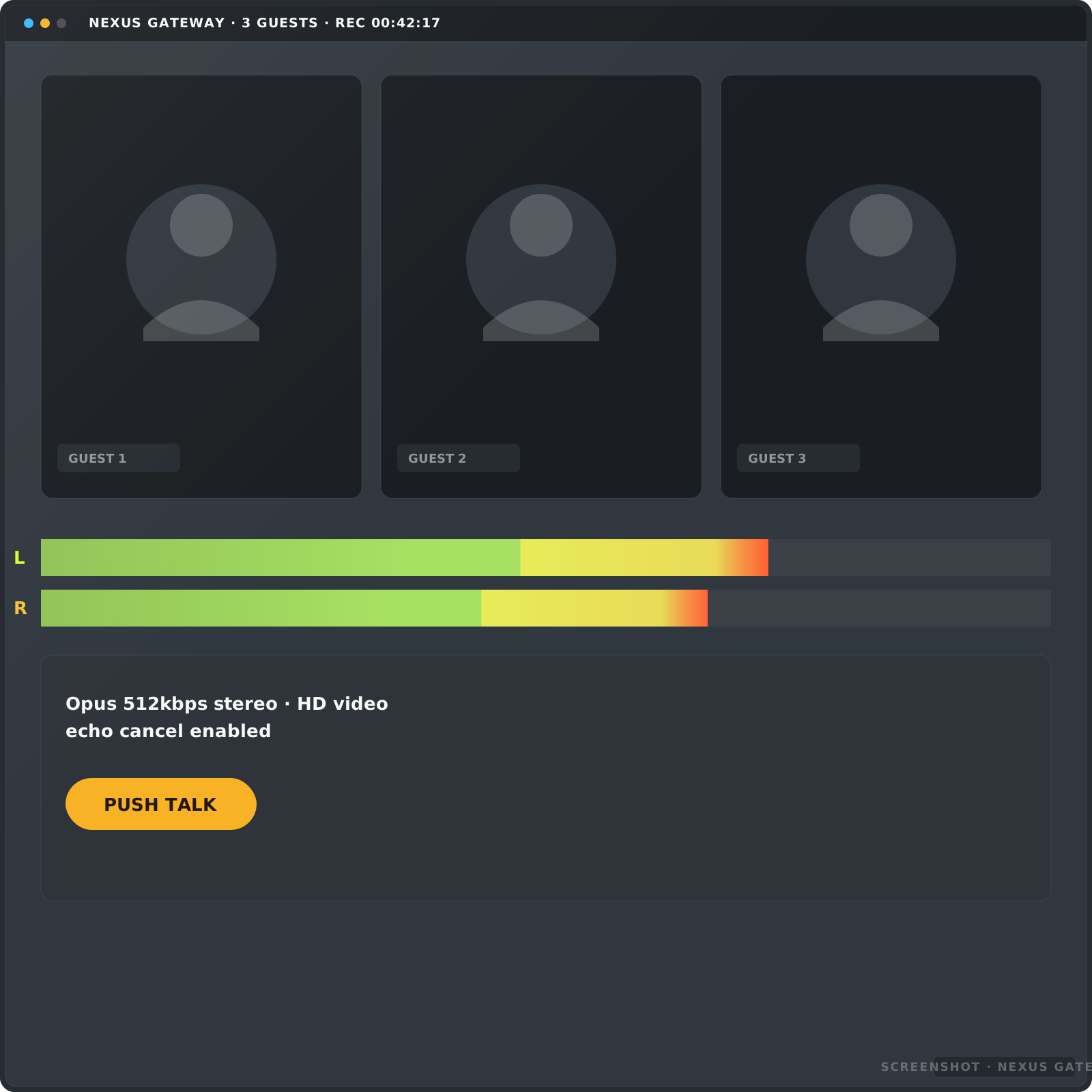
- How to invite viewers to your Gateway sessions
- How to record your talent with the Source-Nexus Suite and Pro ToolsPro Tools
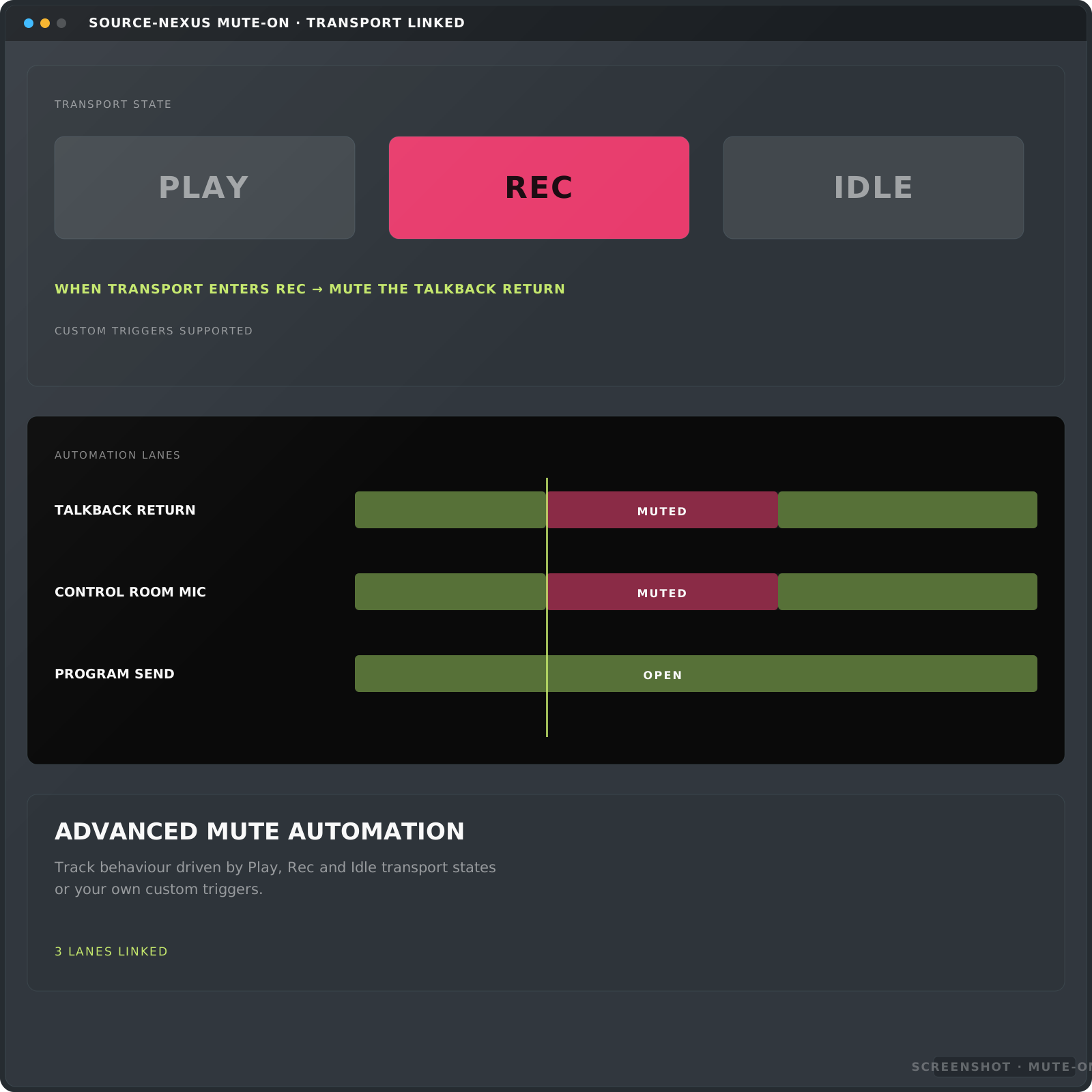
- How to use the Talkback and Volume Control iOS app with Source-Nexus Mute-On
- How to set up an Avid Eucon S1/S3 footswitch or soft key on Source-Nexus Mute-On
- How to log into the Source-Nexus Gateway using a Sub-Account
- How to modify your guest's settings on Source-Nexus Gateway
Source-Live 8
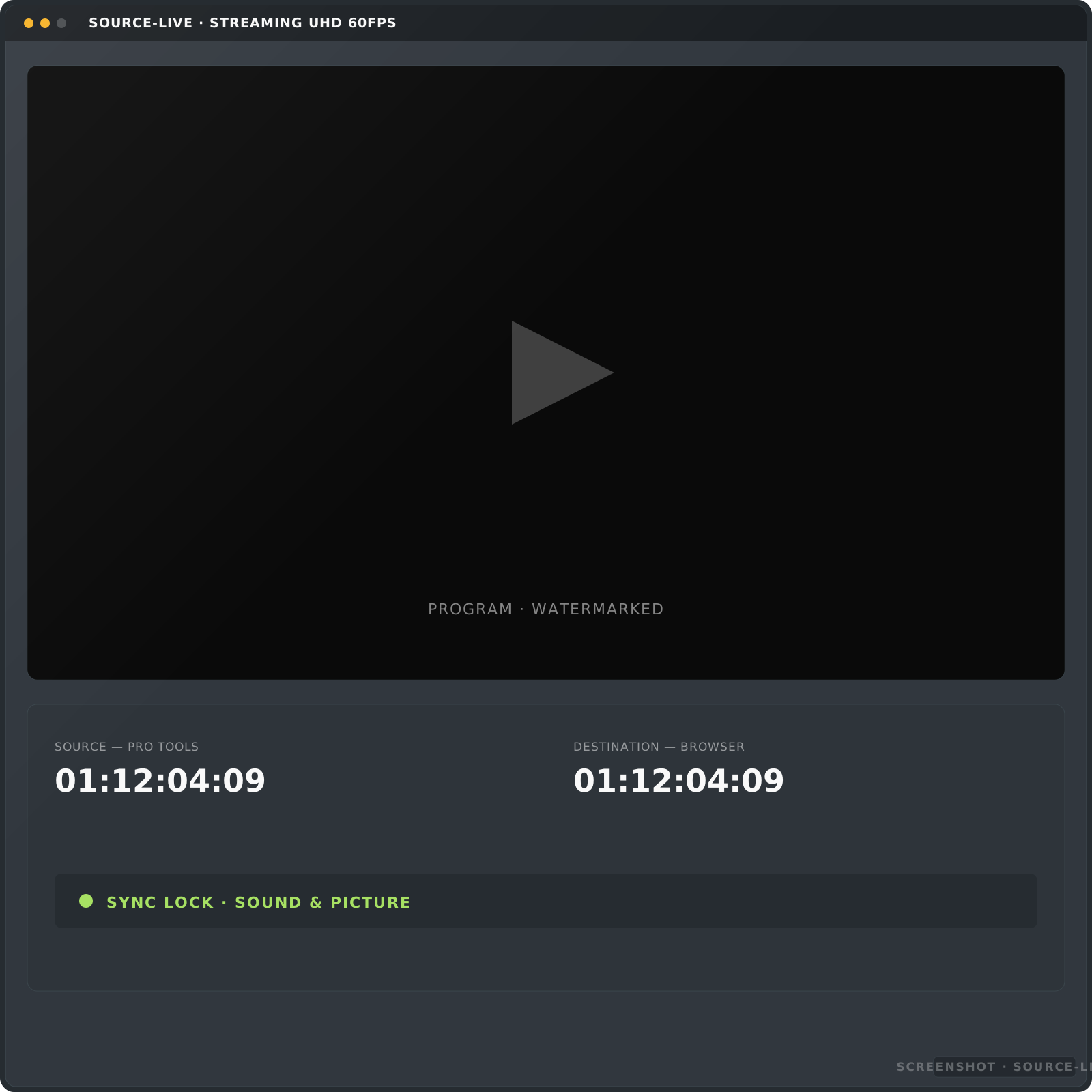
- How to set up Source-Live Pro LL with Source-Nexus I/O and Adobe Premiere ProPremiere
- How to Get Optimum Performance out of Source-Live Pro LL
- How to fix errors when starting a stream in Source-Live Pro LL
- How to set up Source-Live Pro LL with Source-Nexus I/O and Pro ToolsPro Tools
- How to set up Source-Live Pro LL with Source-Nexus I/O and CubaseCubase
- How to stream with two computers using Source-Live LL and the NDI™ plugin
- How to use Source-Live with the Source-Nexus Gateway
- How to host a multi-conference setup using Source-Live, Source-Connect and the Source-Nexus Suite with Pro ToolsPro Tools
System & networking 8
- How to re-import VST plugins in Reaper after a failureReaper
- How to Access my Internet Router's GUI or Configuration Page
- How to Convert Between Surround Audio Channel Layouts in Pro ToolsPro Tools
- How to fix blacklisting issues for any of the Source Elements plugins in Cubase/NuendoCubase / Nuendo
- Windows Tips for Audio - How to Disable Exclusive Mode in Sound Control Panel
- How to get installation logs on macOS
- How to get installation logs on Windows
- How to configure port forwarding on Xfinity routers
No how-to matches that. or search the full Knowledge Base.
Documentation hubs
Start at the hub for your product
Source-Connect 4 Docs Hub
The documentation hub for Source-Connect 4 serves as a centralized resource, providing comprehensive guides, troubleshooting tips, and best practices for Source-Connect 4 Talent, Studio and Facility, to help you quickly understand and maximize its capabilities.
Open the hub →Source-Nexus Suite Docs Hub
The documentation hub for Source-Nexus serves as a centralized resource for all its products, providing compatibility and user guides, troubleshooting tips, release notes and video tutorials to get you started.
Open the hub →User guides
Every product, documented
Find User Guides, Articles, and resources for all Source Elements products by searching keywords or reviewing sections in your product's user guide.
Quick help
Just getting started?
Getting a Source-Connect trial
Read the guide →Onboarding with Source-Connect Talent
Read the guide →Onboarding with Studio / Facility
Read the guide →Troubleshooting
Something not behaving?
Visit the centralized hub for managing and accessing error messages across all Source Elements products. Click the link below to quickly find the details you need to resolve issues.
Live support
Get help when you need it
If you have a subscription or an active support contract, you can get in touch with our support technicians to assist you in a hands-on remote session to troubleshoot any issues in real-time.

Questions
Frequently asked questions
Where do I find the user guide for a specific Source Elements product?
Each product has its own documentation hub — Source-Connect 4, Source-Connect 3.9, the Source-Nexus Suite and Source-Live — with guides grouped by edition or component. Start from the documentation hubs or user guides section above and pick your product; every hub sorts its articles so you land on the right one.
How are error codes organised?
Coded messages are listed in numeric order, grouped by range, in the Error Message Repository — with a separate section for messages that arrive without a number. Six codes mean two different things depending on whether you're running Source-Connect 4 or the legacy 3.x series, so the repository flags those first.
What's a quick sheet, and how is it different from a full guide?
A quick sheet is one printable page covering a single job start to finish, for when you want the whole setup for one task without reading a longer article. The quick sheets above cover every product — open one full size to print, or keep it on a second screen while you work.
How do I reach a support session if a guide doesn't solve it?
If you have a subscription or an active support contract, you can contact support directly from this page for a hands-on remote session with a support technician. That's the next step once the guides and the Error Message Repository haven't resolved it.